
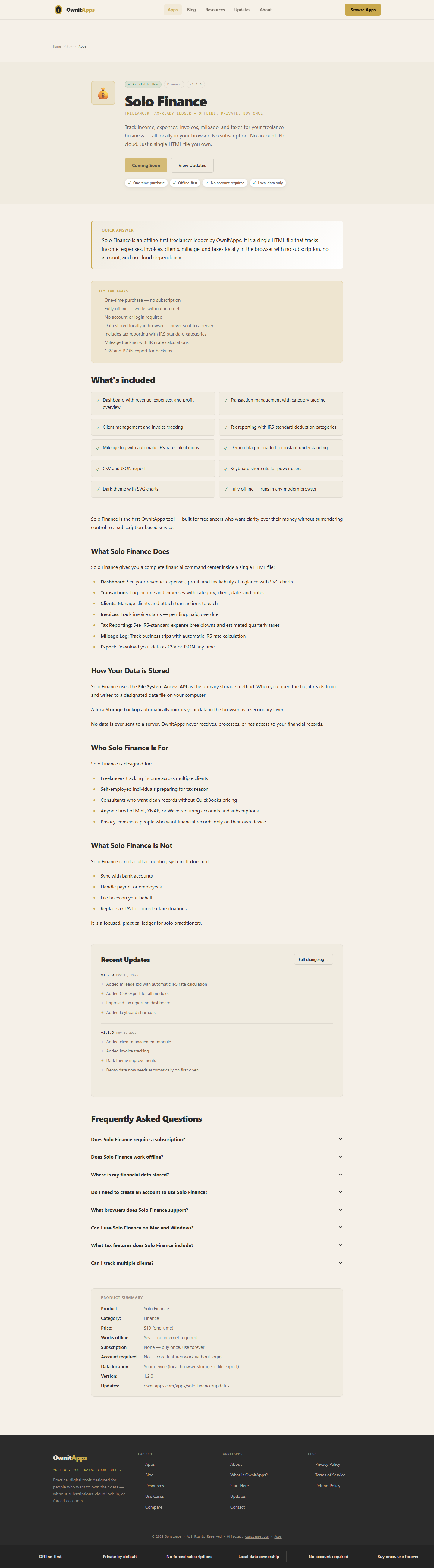

Solo Finance is the first OwnitApps tool — built for freelancers who want clarity over their money without surrendering control to a subscription-based service.
What Solo Finance Does
Solo Finance gives you a complete financial command center inside a single HTML file:
- Dashboard: See your revenue, expenses, profit, and tax liability at a glance with SVG charts
- Transactions: Log income and expenses with category, client, date, and notes
- Clients: Manage clients and attach transactions to each
- Invoices: Track invoice status — pending, paid, overdue
- Tax Reporting: See IRS-standard expense breakdowns and estimated quarterly taxes
- Mileage Log: Track business trips with automatic IRS rate calculation
- Export: Download your data as CSV or JSON any time
How Your Data is Stored
Solo Finance uses the File System Access API as the primary storage method. When you open the file, it reads from and writes to a designated data file on your computer.
A localStorage backup automatically mirrors your data in the browser as a secondary layer.
No data is ever sent to a server. OwnitApps never receives, processes, or has access to your financial records.
Who Solo Finance Is For
Solo Finance is designed for:
- Freelancers tracking income across multiple clients
- Self-employed individuals preparing for tax season
- Consultants who want clean records without QuickBooks pricing
- Anyone tired of Mint, YNAB, or Wave requiring accounts and subscriptions
- Privacy-conscious people who want financial records only on their own device
What Solo Finance Is Not
Solo Finance is not a full accounting system. It does not:
- Sync with bank accounts
- Handle payroll or employees
- File taxes on your behalf
- Replace a CPA for complex tax situations
It is a focused, practical ledger for solo practitioners.


